
Control how your website is built on HubSpot CMS
DropZone Pro helps marketing teams update their HubSpot website without rebuilding pages for every change.
Advanced Layouts
Feature-rich Modules
AEO & SEO Optimized
What is DropZone Pro?
DropZone Pro gives HubSpot websites a system, not just a look. Kayak configures the theme around how your marketing team actually uses HubSpot, so page updates, campaign launches, blog publishing, and system pages can be managed without custom production work each time.
Marketing still comes first
DropZone Pro supports the decisions behind the website: what needs to be said, where it belongs, what the buyer needs next, and how the marketing team will keep it current after launch.
Bill Brunton on technology supporting the idea.
Marketplace theme vs Website system

Themes create variation
Marketers make layout and content-order decisions as they build, so similar pages can end up working differently over time. This is called drift.

Systems create consistency
Marketers work from website standards and pre-set module choices, so similar pages are easier to publish, review, and update, avoiding drift.
What it looks like in real life
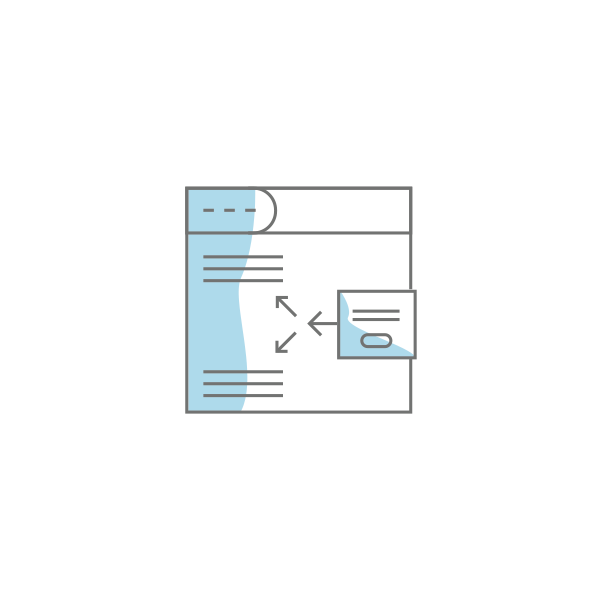
Typical website theme
Pages vary in structure. Content is hard to scale. Performance depends on individual execution.
(Drag & Drop leads to drift.)
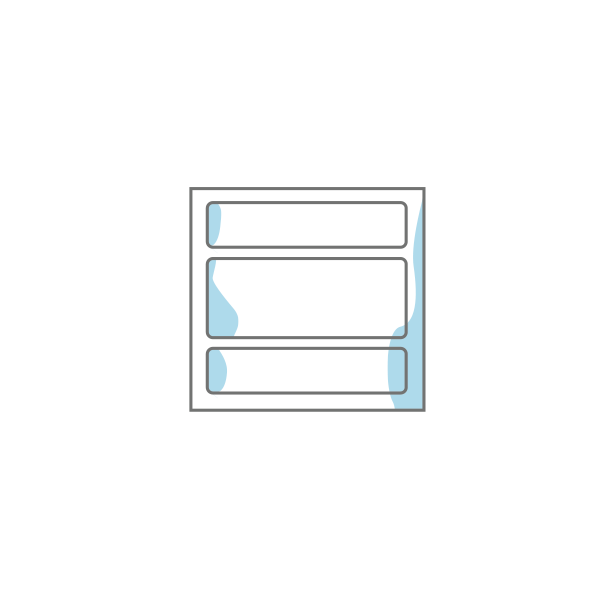
DropZone Pro theme
Pages follow defined layouts. Structure stays consistent. The site supports marketing as it grows.
(Drag & Drop, but rules constrain drift.)
What you gain with a website system

Page control
Define how pages are built
Speed
Reduce website build time
Consistency
Maintain alignment
Scale
Grow without redesign
Supports ongoing marketing efforts
DropZone Pro theme supports teams that create and refine pages regularly. It removes layout decisions and keeps structure consistent across campaigns, content, and updates.
Theme components
Layouts
Intent-based structures
Modules
Defined content roles
Templates
Shared page frameworks
Controls
Page-building rules
Amazing things happen
Teams work faster
Pages are built using predefined layouts
Sites stay true
Defined content roles
When to use DropZone Pro
Use it when your HubSpot site is actively managed, growing, and/or built by multiple contributors.
Use cases

New website
You’re starting from scratch and want to get it right
Redesigns
Your theme is slowing you down or not letting you do things easily
Migrations
Your current platform can’t support how your team works
Improves SEO and AEO
Consistent structure improves how content is organized, indexed, and extracted by search engines and AI systems.
A perfect solution for

Website migrations
SEO, AEO, and UX improve so your HubSpot website can work as intended

Conversion Improvement
Aligns page structure to intent so conversion improves
What a DropZone Pro website system means to you

Faster builds
Launch pages and campaigns without rebuilding layouts
Less rework
Eliminate inconsistencies and repeated fixes
Clear messaging
Keep structure and flow aligned across pages
Better reporting
Track performance and outcomes across campaigns

Advanced
content modules
Build pages with feature-rich modules instead of custom development work.
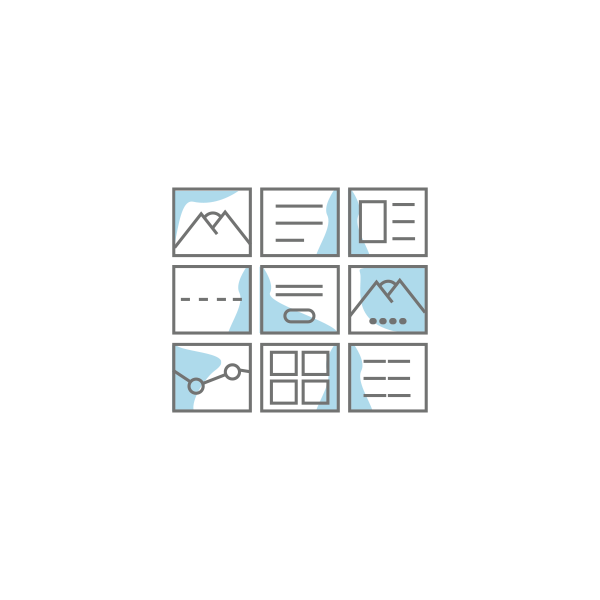
UX-optimized master templates
Start each page from a proven framework built around clear structure, flow, and action.

System
templates
Keep common website pages consistent with reusable layouts you can use again and again.

Global
modules
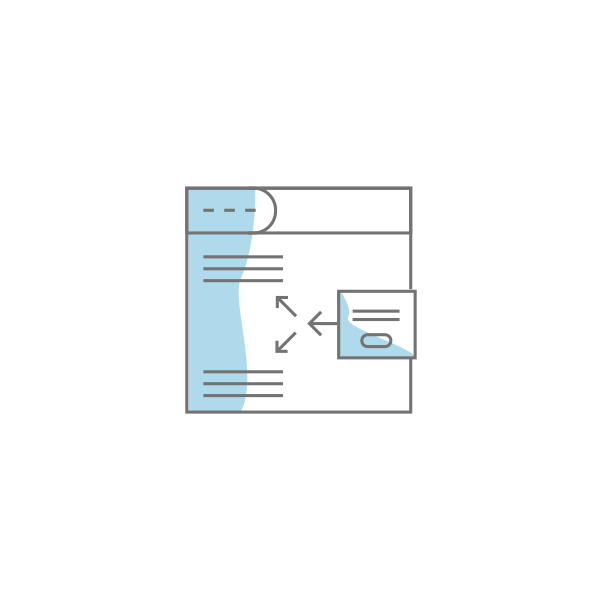
Reuse headers, footers, widgets, and shared content without rebuilding components.
How the system extends HubSpot

Extend HubSpot
functionality
Get more page-building control than standard HubSpot modules while staying in HubSpot.

Native HubSpot
compatibility
Work inside HubSpot’s native editor, templates, modules, and familiar page tools.

Ongoing theme
updates
Receive new modules, refinements, and system updates as DropZone pro evolves.

Brand
Configuration
Configure the system to match your brand instead of forcing your work into a generic theme.
Select template
Select modules
Configure without code
Add your content
Or
Open an existing page
Switch template
Configure without code
Add/edit your content
Choose the right level of HubSpot website build

Starter Theme
Best for simple, low-stakes sites. Fast setup, basic modules, limited structure.

Pro Theme
Best for budget-conscious builds. More modules, but structure depends on how the theme is used.

DropZone Pro
Best for consistency, scale, and performance. Advanced modules, structured layouts, and full editing control.

Custom Development
Best for highly specialized business environments. Fully custom, but more dependent on developers.
DropZone Pro License Pricing

Purchase Pro Theme License
$17k

Configure Theme to Your Brand
$3k

Create Your Website
From $0
Website creation scoped separately.
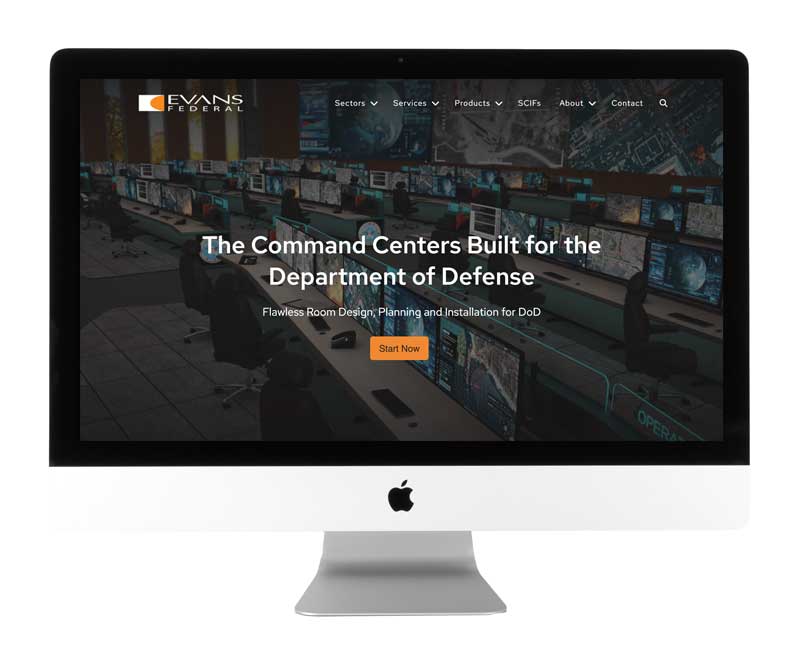
evansfederal.com
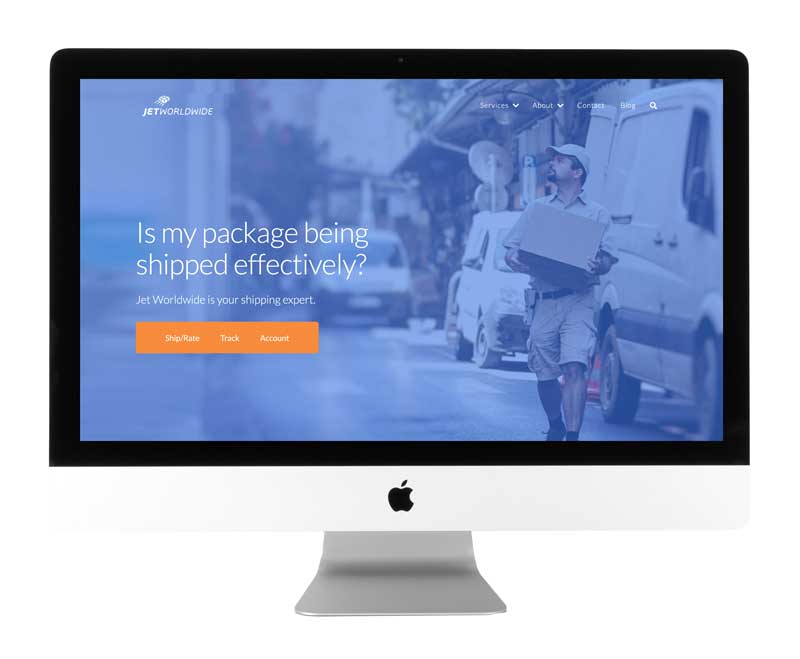
jetworldwide.com
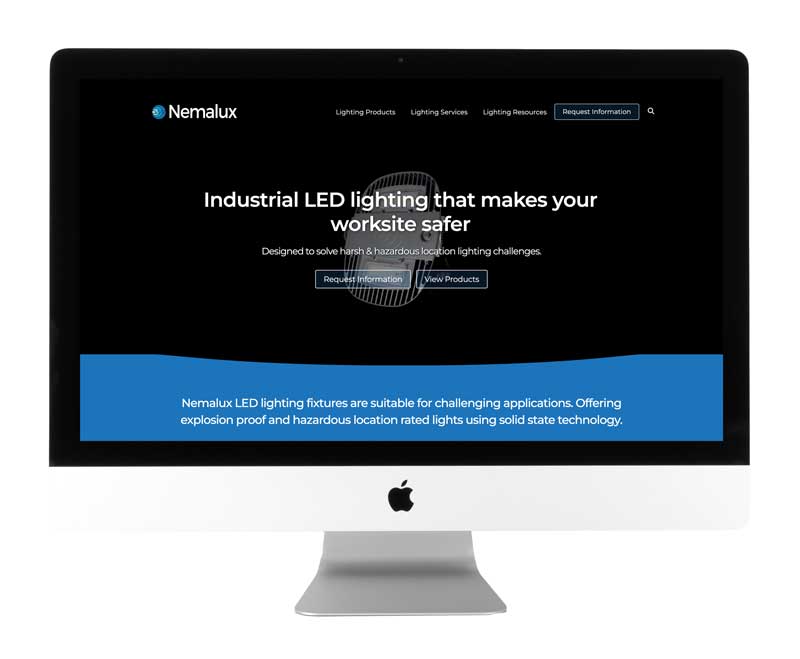
nemalux.com

Optional Premium Support
$5k
Get component updates and new module releases quarterly, along with 10 hours of senior technical support per year purchased.

Optional Website Migration Support
Bonus: Enjoy a 20-hour migration allowance when you purchase a DropZone Pro Theme license. For many clients, this means the migration effort could be free.
What is DropZone Pro Theme?
A developer-level theme with advanced modules and structured layouts. It allows full control without requiring custom development.
How is DropZone Pro different from other HubSpot themes?
It defines how pages are built. Layouts, modules, and structure work together. This reduces drift and improves consistency across the site.
Will I need developers to use it?
We provide your initial brand configuration. Thereafter, the system is designed for no-code use. Developers are not required for day-to-day work.
Does it support SEO and AEO?
Yes. Technical SEO and schema are handled at the module and template level. Consistent structure supports AI discoverability.
Is this a one-time investment?
Yes for the license. Updates are included for 12 months. Optional support extends them.
What is a Brand Template?
A Brand Template is an additional page layout built into your system when the existing layouts don’t quite fit. It uses the same modules and structure rules, but is arranged differently to support a specific page type. It becomes a selectable layout your team can use, not a one-off or workaround. We have a flat rate of $1500 for each brand Template you want created. Custom module development not included.
When do we need a Brand Template?
When a page doesn’t fit the existing layouts and you find yourself adjusting structure to make it work. A Brand Template turns that layout into a defined, reusable option instead of a one-off.
What other services are available?
Kayak Websites can support you with training, onboarding, website redesign, migration, campaign pages, consulting, and other custom deliverables under a separate agreement.